
Anúncios
Keep What’s Yours, Leave What Belongs to Work
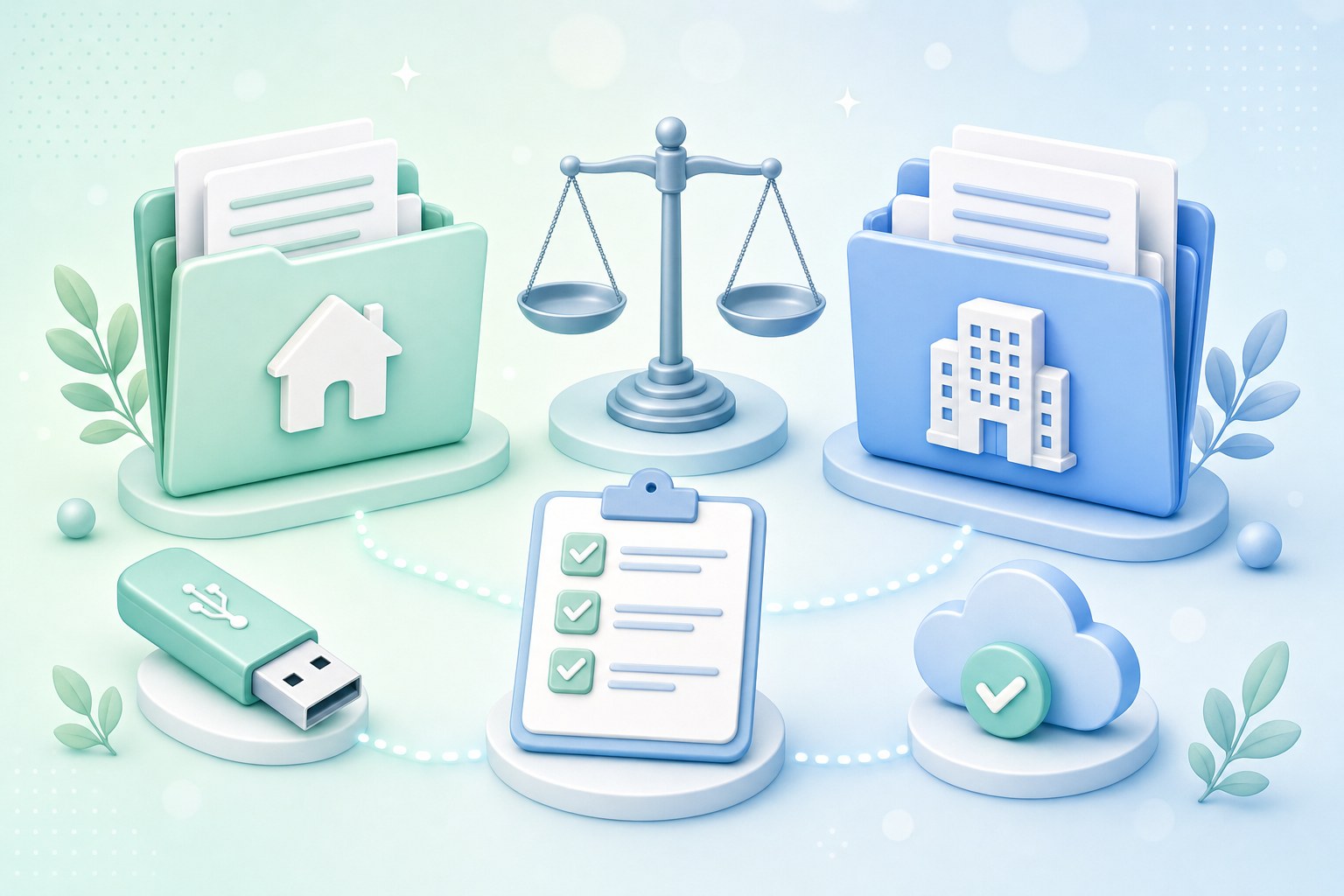
Leaving a job brings a lot of small decisions, and one of the most practical is what to do with the files you have built up over months or years. Some of them are clearly yours. Many are not.
This guide takes a calm, policy-respecting approach. The goal is to help you keep the personal records you genuinely need, such as pay stubs, tax forms, and benefits documents, while leaving company data where it belongs.
Handled well, this process protects you, your former employer, and your professional reputation. It also makes your next steps easier, because you walk away organized, on good terms, and with nothing you would need to explain later.
Start With the Core Principle: Company Data Belongs to the Employer
In most workplaces, anything you create, receive, or store as part of your job is considered company property. That usually includes documents, emails, code, spreadsheets, presentations, and customer information, even when you personally did most of the work.
This can feel counterintuitive. You may have spent late nights on a project and feel a sense of ownership. Still, employment agreements commonly assign work product to the employer, and copying it without permission can create real legal and professional problems.
The good news is that the line is often clearer than it seems. Your personal life records, your employment paperwork, and your own memories of what you achieved remain yours. The sections below help you sort the rest with confidence.
A useful mental test is simple: would you be comfortable showing your former manager exactly what you took? If the answer is yes without hesitation, you are probably on solid ground. If you feel uneasy, pause and ask first.
What’s Typically Yours to Keep
Certain categories of documents are generally understood to belong to you, because they relate to your employment relationship rather than the company’s business. Policies vary, but these items are widely considered personal and are often provided to employees directly.
- Personal photos and files: family pictures, personal documents, or music you stored on a work laptop or phone, ideally copied with IT’s knowledge.
- Pay stubs and tax forms: earnings statements and year-end tax documents, which you may need for loans, rentals, or filing your taxes.
- Benefits and retirement documents: health plan summaries, continuation-of-coverage notices, and retirement account statements or plan contact details.
- Your offer letter and employment agreement: the documents that define your role, compensation, and any obligations that continue after you leave.
- Performance reviews, if provided to you: copies you received during your employment are often fine to keep, but confirm if they were only shown on screen.
- Training certificates and credentials: course completions, licenses, and certifications earned in your name, which support your next job search.
- Personal contacts: friends and family numbers saved on a work phone, plus colleagues who have agreed to stay in touch personally.
Many of these records also live in HR or payroll systems, so you may be able to download them through an employee self-service portal. Saving them before you leave simply saves you a request later.
Organizing What You Keep
Store these documents in a personal location you control, such as a personal cloud account or an encrypted drive at home. Avoid leaving the only copy on a device you will be returning.
It also helps to create a simple folder structure, such as Pay, Tax, Benefits, and Credentials. When you need a document months later for a mortgage application or a new employer, you will find it quickly.
If you are unsure whether something counts as personal, treat it as a question rather than an assumption. A quick check with HR costs little and keeps your exit clean, even for items that seem obviously yours.
What Usually Stays Behind
The materials that stay with the employer are the ones that carry business value or involve other people’s information. Even if you can technically access them, copying them to a personal device or account is commonly prohibited.
- Client and customer lists: names, contact details, account histories, and pricing, which are frequently treated as trade secrets or protected business information.
- Source code and technical assets: repositories, scripts, configurations, and designs created for the company, even code you wrote alone.
- Internal documents: strategy decks, roadmaps, financial reports, process manuals, and meeting notes created for internal use.
- Templates and playbooks: sales scripts, proposal templates, and onboarding guides developed for the business, even if you helped design them.
- Confidential and personal data: employee records, health information, customer data, and anything covered by privacy rules or confidentiality agreements.
- Work email archives: full mailbox exports or forwarded threads, which often contain information about clients, colleagues, and internal decisions.
- Company software and licenses: applications, fonts, templates, and paid tools licensed to the employer, which typically cannot be transferred to personal use.
A common misstep is forwarding work emails or files to a personal address “just in case.” Many companies monitor this activity, and it may be flagged by data loss prevention tools. Even well-meant forwarding can create an awkward conversation.
If you think a work file contains something personal, such as a reimbursement receipt or your own contact details, the safer route is to ask whether you can keep a copy rather than quietly taking it.
Knowledge Versus Files
Remember that information in your head is different from files. Your general skills, industry knowledge, and experience go with you, while specific confidential details, such as client pricing or unreleased plans, should still be kept private.
Leaving these materials behind is not a loss. Your new employer will expect you to respect your former employer’s confidentiality, and showing that discipline is often viewed as a sign of professionalism and trustworthiness.
Read Your Agreements, Then Ask HR or Your Manager
Before copying anything, revisit the documents you signed. Your employment contract, any non-disclosure agreement, and the company’s acceptable-use or information security policy usually spell out what you may and may not retain.
Look for sections on confidential information, return of company property, intellectual property, and post-employment obligations. Some agreements require you to certify in writing that you have returned or deleted all company materials, so knowing this early helps.
When something is unclear, ask. A short, friendly message to HR or your manager, such as “Is it okay if I keep a copy of my training certificates and my performance reviews?”, often gets a quick answer and leaves a helpful paper trail.
Keep the reply somewhere personal, such as a screenshot or a forwarded copy of that single permission message, if your policy allows. The table below shows how these requests often break down in practice.
| Category | Examples | Typical approach |
|---|---|---|
| Usually OK to keep | Pay stubs, tax forms, benefits and retirement documents, offer letter, personal photos, training certificates | Save to a personal location before your last day |
| Ask first | Performance reviews, work samples for a portfolio, a reference letter draft, colleague contact details | Get written permission from HR or your manager |
| Leave behind | Client lists, source code, internal documents, confidential data, email archives | Hand over to your team and do not copy |
Timing Matters: Start Before Your Last Day
In many organizations, access to email, internal tools, and devices ends on your final day, and sometimes the moment your departure is processed. If you wait until your last afternoon, you may find yourself locked out of personal files.
Some employers also shorten notice periods or ask departing staff to leave immediately, particularly in roles with access to sensitive systems. This is often routine security practice rather than a reflection on you, but it makes early preparation worthwhile.
- Download employment documents first: pay stubs, tax forms, and benefits summaries are the hardest to chase later.
- Copy personal photos and files next: do this with IT’s knowledge so there is no confusion about what was moved.
- Note portal logins: record which payroll or benefits portals you use and whether they offer former-employee access.
- Update contact details: make sure HR has your personal email and mailing address for future tax and benefits notices.
A practical rhythm is to sort personal files and download employment documents in your first week of notice, then spend the second week on handover work. That way, a sudden change in timing does not leave you scrambling.
If you have not yet given notice, it is reasonable to quietly download your own pay stubs and tax forms through official portals. Avoid bulk-copying anything else in advance, since that could look like preparing to take company data.
Separate Personal Accounts From Work Devices
Many people sign into personal accounts on work laptops and phones over time. Before you return those devices, take time to disconnect your personal life from them carefully, so your data stays private and the device can be reassigned smoothly.
Personal Apple ID and Google Accounts
Apple notes in its support pages that signing out of your Apple Account on a device also turns off Find My for that device. If you skip this step, the returned iPhone or Mac may remain locked to you, creating extra work for IT.
Google’s Account Help Center describes how to review and remove devices signed into your Google Account. After signing out of a work device, check that list from your personal phone or computer to confirm the device no longer appears.
Browser Sync, Password Managers, and Two-Factor Authentication
- Browser sync: sign out of personal Chrome, Edge, Firefox, or Safari profiles, and remove saved personal passwords and autofill data from work browsers.
- Password managers: log out of any personal password manager, remove the work device from its trusted devices list, and consider changing your main password afterward.
- Two-factor authentication on a work phone: move personal authenticator codes to your own phone before returning it, following each app’s official transfer instructions.
- Backup codes and recovery numbers: update any personal account that uses your work phone number or work email for recovery, so you do not get locked out later.
- Messaging and banking apps: sign out of personal messaging, banking, and social media apps, and revoke the device in each service’s security settings.
- Personal cloud storage: sign out of personal Dropbox, OneDrive, iCloud Drive, or Google Drive apps so no personal files keep syncing to the work device.
Two-factor authentication on a work phone is the step people most often miss. Once that phone is wiped, those codes are gone. Moving them early, while you still have both devices in hand, is usually much easier than account recovery later.
Do not wipe or reset a work device yourself unless IT asks you to. Companies often have their own process for preserving data, and an unauthorized reset could create problems even if your intentions were good.
Leave a Clear Handover for Your Team
The flip side of keeping only what is yours is making sure your team has everything it needs. A thoughtful handover document is one of the most professional things you can leave behind, and colleagues tend to remember it.
Your handover does not need to be elaborate. It should explain where files live, what is in progress, who the key contacts are, and what deadlines are coming up. Store it in a shared company location, not on your personal drive.
Ask your manager how they would like the handover structured. Some teams prefer a single document, while others use a project tracker or a recorded walkthrough. Matching their format makes the transition smoother for everyone.
- Current projects: status, next steps, and the person who will take over each item, with links to the relevant shared folders.
- Recurring tasks: weekly or monthly responsibilities, how long they take, and any tools or reports involved.
- Key contacts: internal stakeholders and external partners, kept inside company systems where your successor can find them.
- Access and ownership: shared drives, dashboards, or accounts you own that need to be transferred to someone else before your access ends.
- Known issues and tips: quirks, workarounds, and lessons learned that would otherwise leave with you.
- Calendar commitments: upcoming meetings, renewals, or events you organize, with a note on who should take them over.
Transferring ownership of shared files is especially important. If documents live in your personal work drive, they may become harder to reach after your account is deactivated. Moving them to team folders protects your colleagues’ work.
Build Your Portfolio Without Sharing Confidential Details
You can showcase your work without taking company files. Recruiters and hiring managers are usually more interested in what you did, how you approached problems, and what changed as a result than in seeing internal documents.
Before you leave, write down your accomplishments in your own words. Note the challenge, your role, the actions you took, and the outcome. Use general descriptions, such as “a mid-size retail client,” rather than names or proprietary figures.
If you want to share numbers, consider rounding or using percentages that do not reveal confidential data. “Reduced processing time by roughly a third” tells the story without exposing internal metrics or business performance details.
For designers, writers, and developers, publicly released work is often fair to reference with a link, because it is already public. For anything unpublished, ask your manager whether a redacted sample is acceptable, or recreate a similar example from scratch.
- Describe, don’t duplicate: explain the problem and your contribution in plain language instead of attaching internal files or screenshots.
- Anonymize clients and partners: use descriptions like “a regional healthcare provider” unless the relationship is already public and approved.
- Use public links when available: point to launched products, published articles, or public case studies your employer released.
- Recreate samples independently: build a fresh example using your own data and tools to demonstrate the same skills.
- Ask before using logos or names: some employers allow this with approval, while others prefer you mention only the industry.
If Your Access Has Already Ended
Sometimes access ends sooner than expected, whether through a layoff, a sudden decision, or simple oversight. This is stressful, but in many cases you can still recover the documents you are entitled to through proper channels.
Start with HR or payroll. Ask politely in writing for copies of pay stubs, tax forms, benefits information, and your employment agreement. Many employers have a standard process for former employees and handle these requests routinely.
Keep your request specific and polite. Listing exactly what you need, and why, often speeds things up. The table below suggests where to direct common requests, though the right contact varies by company.
Former-Employee Portals and Returned Devices
Some companies and payroll providers offer former-employee portals where you can log in for a period after leaving to view pay and tax documents. Check your exit paperwork or ask HR whether such access exists and how long it lasts, since this varies.
For personal photos or files left on a returned device, contact IT through HR and explain what you need. They may be able to copy specific personal items for you, though this depends on company policy and whether the device has already been reset.
| What you need | Who to ask | Helpful details to include |
|---|---|---|
| Pay stubs and tax forms | Payroll or HR, or the payroll provider’s portal | Your employee ID, dates of employment, and a personal email address |
| Benefits continuation information | HR or the benefits administrator | Your current mailing address and the plans you were enrolled in |
| Retirement account statements | The retirement plan provider directly | Your plan name and personal identification as the provider requests |
| Employment agreement or offer letter | HR | Your start date and job title |
| Personal photos on a returned device | IT, usually through HR | A specific description of the folders or items you need |
Retirement and Benefits Records
Retirement accounts are usually administered by a separate plan provider, so you can often contact them directly for statements. Benefits continuation notices typically arrive by mail, so make sure HR has your current personal address on file.
Keep a Reference Contact List the Right Way
Professional relationships are one of the most valuable things you take from any job, and they belong to you in a way files do not. Still, there is a respectful way to keep in touch with former colleagues.
Rather than exporting the company directory or your work address book, ask the people you want to stay connected with for their personal contact details. A short note saying you would value staying in touch is usually welcomed.
If you hope someone will serve as a reference, ask them directly and confirm how they prefer to be contacted. Professional networking platforms can also help, since connecting there keeps things transparent and lets each person choose to accept.
- Ask for personal details directly: a quick conversation or note is more respectful than copying a work directory.
- Respect a no: some colleagues prefer to keep work and personal contacts separate, and that is perfectly fine.
- Confirm reference preferences: ask whether they prefer a phone call or email and whether they would like a heads-up first.
- Share your new details: give trusted colleagues your personal email so they can reach you after your work account closes.
- Follow up thoughtfully: a short message a few weeks after you leave can keep the relationship warm without pressure.
Be especially careful with client relationships. Some agreements include non-solicitation clauses that limit contacting clients or recruiting colleagues for a period after you leave. Reviewing these terms helps you stay on the right side of your commitments.
Your Last-Two-Weeks Checklist
Putting everything on a timeline helps the process feel manageable. The schedule below assumes a two-week notice period, but you can compress or stretch it to fit your situation and your employer’s offboarding steps.
| When | What to do | Why it helps |
|---|---|---|
| Days 1-2 | Reread your contract, NDA, and acceptable-use policy; list the items you want to keep | Clarifies boundaries before you copy anything |
| Days 3-4 | Ask HR or your manager about items in the “ask first” group; download pay stubs, tax forms, and benefits documents | Gets written answers while there is time |
| Days 5-6 | Copy personal photos and files with IT’s knowledge; save training certificates | Protects personal items if access ends early |
| Days 7-9 | Write your handover document; transfer file ownership to teammates | Keeps work moving after you leave |
| Days 10-11 | Write your achievements in your own words; gather personal contacts with consent | Supports your portfolio and references |
| Days 12-13 | Move 2FA codes to a personal phone; sign out of personal Apple ID, Google, browser sync, and password managers | Prevents lockouts and protects your privacy |
| Last day | Return devices and badges; update your personal address with HR; confirm former-employee portal access | Closes the loop cleanly |
If your notice period is shorter, prioritize the steps that are hardest to redo later: downloading your employment documents, moving two-factor codes, and signing out of personal accounts on work devices.
Keep a simple personal note recording what you saved, who approved it, and when. If questions ever come up, a short, honest record makes the conversation straightforward and calm.
If your employer runs a formal exit interview or offboarding checklist, bring your list along. It is a natural moment to confirm that you have returned everything, and to ask any final questions about documents.
Walking Out Organized and on Good Terms
Leaving a job well is less about how many files you keep and more about keeping the right ones. Your employment records, personal items, credentials, and relationships are what tend to matter most in the years ahead.
By reading your agreements, asking when unsure, separating personal accounts early, and leaving a thoughtful handover, you protect both yourself and the people you worked with. Those habits often strengthen references and keep doors open.
If something slips through the cracks, there is usually a calm path forward through HR, payroll, or a former-employee portal. A polite request and a little patience can resolve most gaps.
Editorial Disclaimer
This article is informational only and is not legal advice. worksboom.com is an independent editorial site not affiliated with the companies or platforms mentioned. Employer policies and local laws vary, so confirm with your HR or IT team, official support pages, or a qualified employment professional.